
Histogram
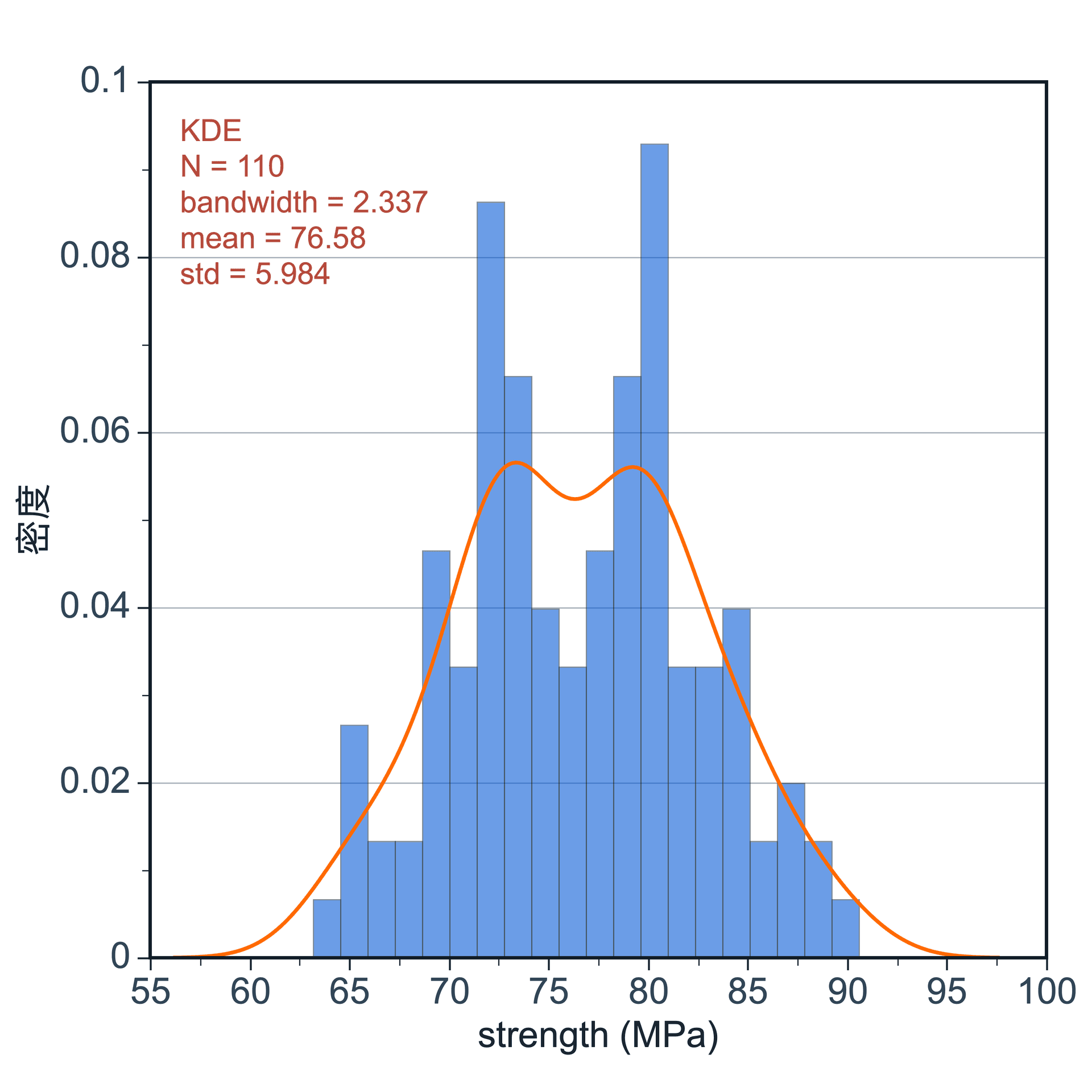
Create a histogram
Complete 4 steps in the panel on the right to create a figure.
Step 1
Choose data range
Choose the data range to plot. Use the current selection or the full data table.
Step 2
Choose output location
Create a new figure or add the plot to an existing figure.
Step 3
Choose value columns
Choose one or more numeric columns. Select a group column when needed, and set a suitable bin count.
Step 4
Create and refine
Create the histogram, switch to density display if needed, then refine the style.
Click Create Figure when everything is ready.
Statistical Plot
Create Figure
Data Range
Current selection: all rows, Cost
Full table: 88 rows, 3 columns
Output
New figure
Add to existing figure
Sample⌄
None⌄
20
Adjustable settings
These are the common settings for this plot type. For detailed line, marker, axis, legend, and font styling, see Styling.
- Value columns
- Group column
- Bin count
- Show density
- Fill color
- Axis and legend styling