Choose 2D Color Map from the Data menu, then use the current selection or full table. Output decides whether to create a new figure or add to an existing one.
Data Range
Selection: rows 1-11, columns 1 to 3
Full table: 11 rows, 3 columns
Output
New figure
Add to existing figure
Step 2
Choose display mode
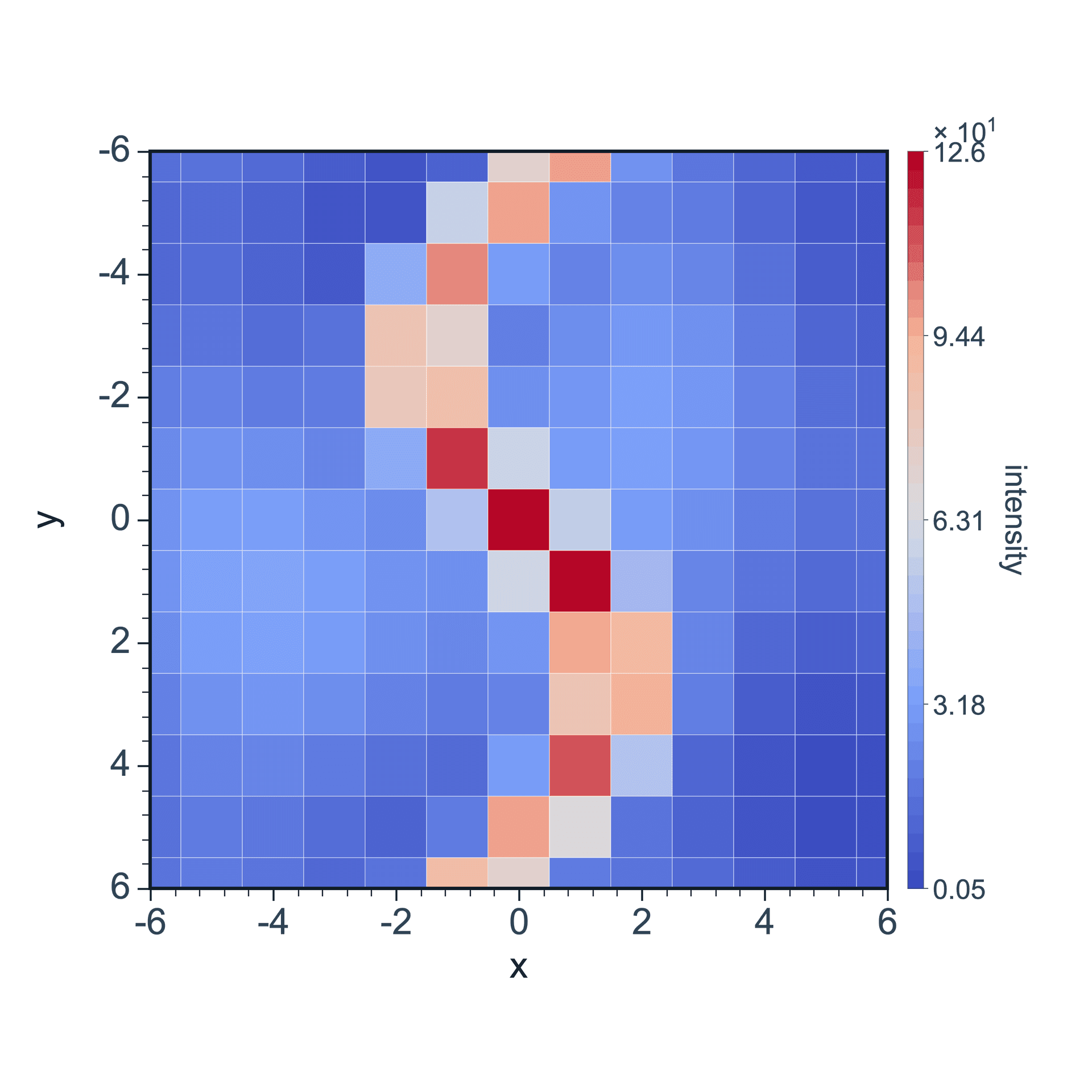
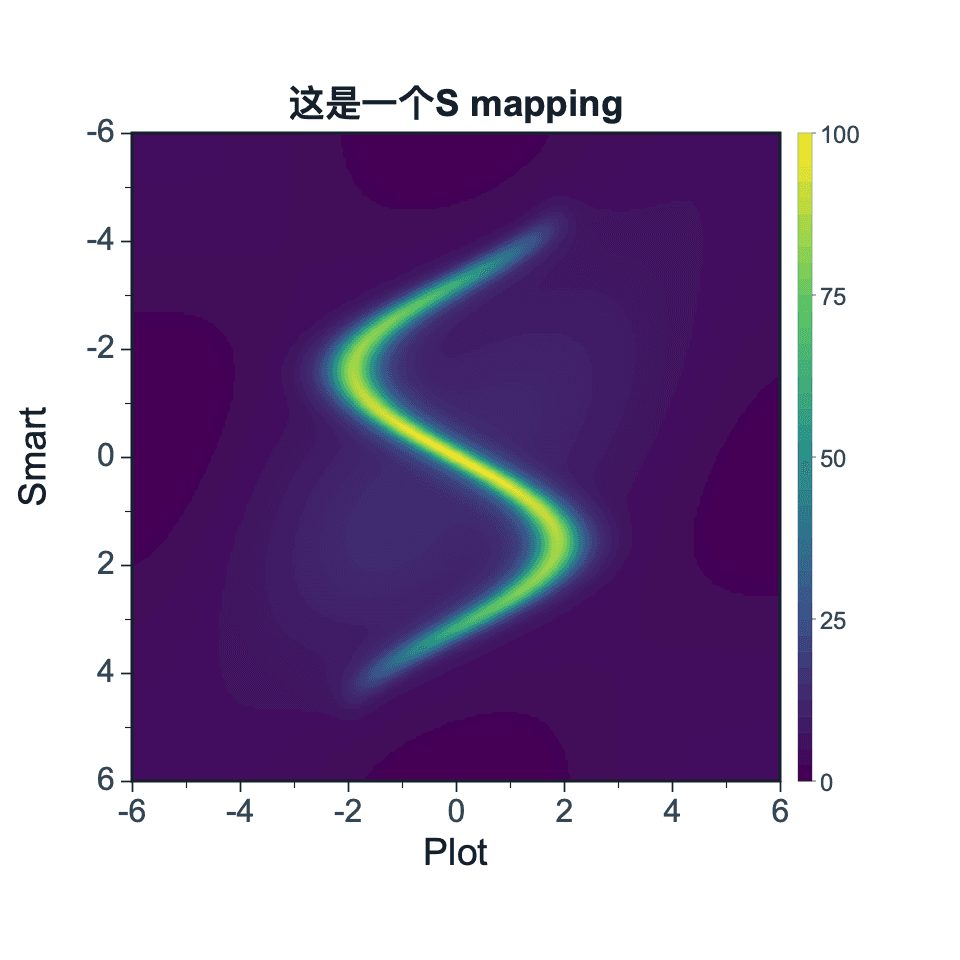
Original Image preserves the sampled grid. Interpolated Image is better for continuous 2D distributions.
Display Mode
Interpolated Image⌄
Original Image✓ Interpolated Image
01
XYZ Columns
Each row is one sampled point: X and Y are coordinate columns, and Z is the color value.
X⌄
Y⌄
Z⌄
02
Matrix Input
By default, the current selection is used as the full Z-value matrix; X/Y coordinates are configured separately.
Use current selection as matrix inputRows 1-11, columns 1 to 311 rows · 3 columns
Step 3
Choose data format
Use XYZ Columns for coordinate rows. Use Matrix Input for regular grids, matrix data, or Raman mapping matrices.
Step 4
Set coordinate source and create
Matrix Input uses the current selection as the Z-value matrix. X/Y coordinates can be generated by index, by range, from the first row, or from the first column.
Use current selection as matrix inputRows 1-11, columns 1 to 311 rows · 3 columns
Generate Indexes⌄
✓ Generate IndexesGenerate EvenlyUse First RowUse First Column
Direction
ColumnsRows
Generate Indexes⌄
✓ Generate IndexesGenerate EvenlyUse First RowUse First Column
Direction
ColumnsRows
The current selection becomes the Z-value matrix. X/Y coordinates can be generated by index, by range, from the first row, or from the first column.
Generate Evenly⌄
Direction
ColumnsRows
Current matrix: 801 rows · 16 columnsExample
Generate Evenly
Even generation uses min, max, and point count. Direction decides whether coordinates vary along matrix rows or columns.
XYZ column data
Each row is one sampled point. X and Y are coordinate columns, and Z is the color-value column.
#
X
Y
Z
1
-6
-6
0.8
2
-5
-6
1.2
3
-4
-6
2.1
Matrix input
The current selection becomes the Z-value matrix. Coordinates can be generated by index or evenly from a physical range.
#
1
2
3
1
0.8
1.2
2.1
2
1.0
3.5
7.2
3
0.6
2.8
5.9
Click Create Figure when everything is ready.
Adjustable settings
These are the common settings for this plot type. For detailed line, marker, axis, legend, and font styling, see Styling.