SmartPlot for Mac
Scientific plotting, made for Mac
From raw data to an editable, publication-ready figure — without turning every axis, fit, or style adjustment into a coding task.
One project, kept connected
Keep the data, analysis, figure, and export connected
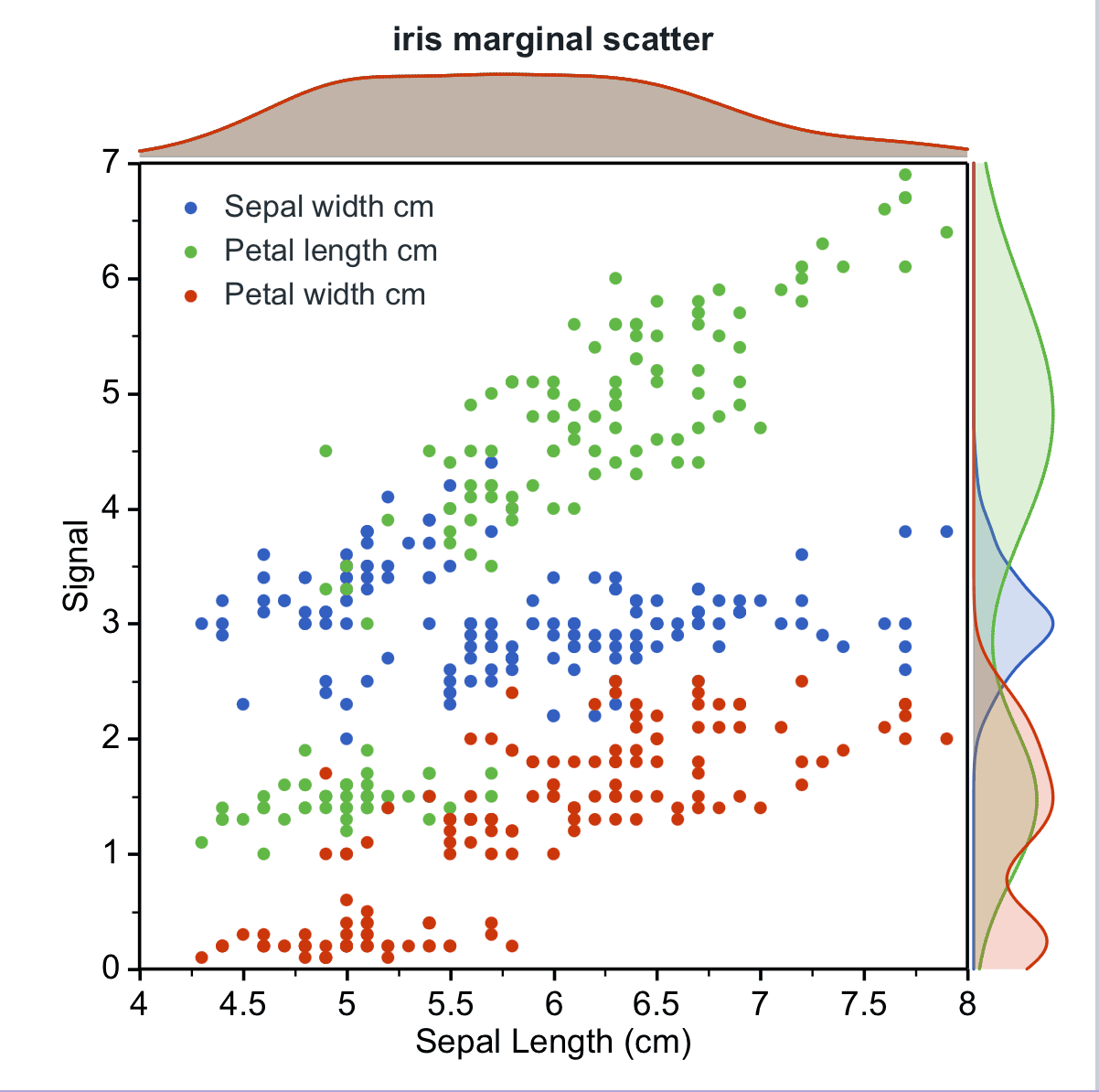
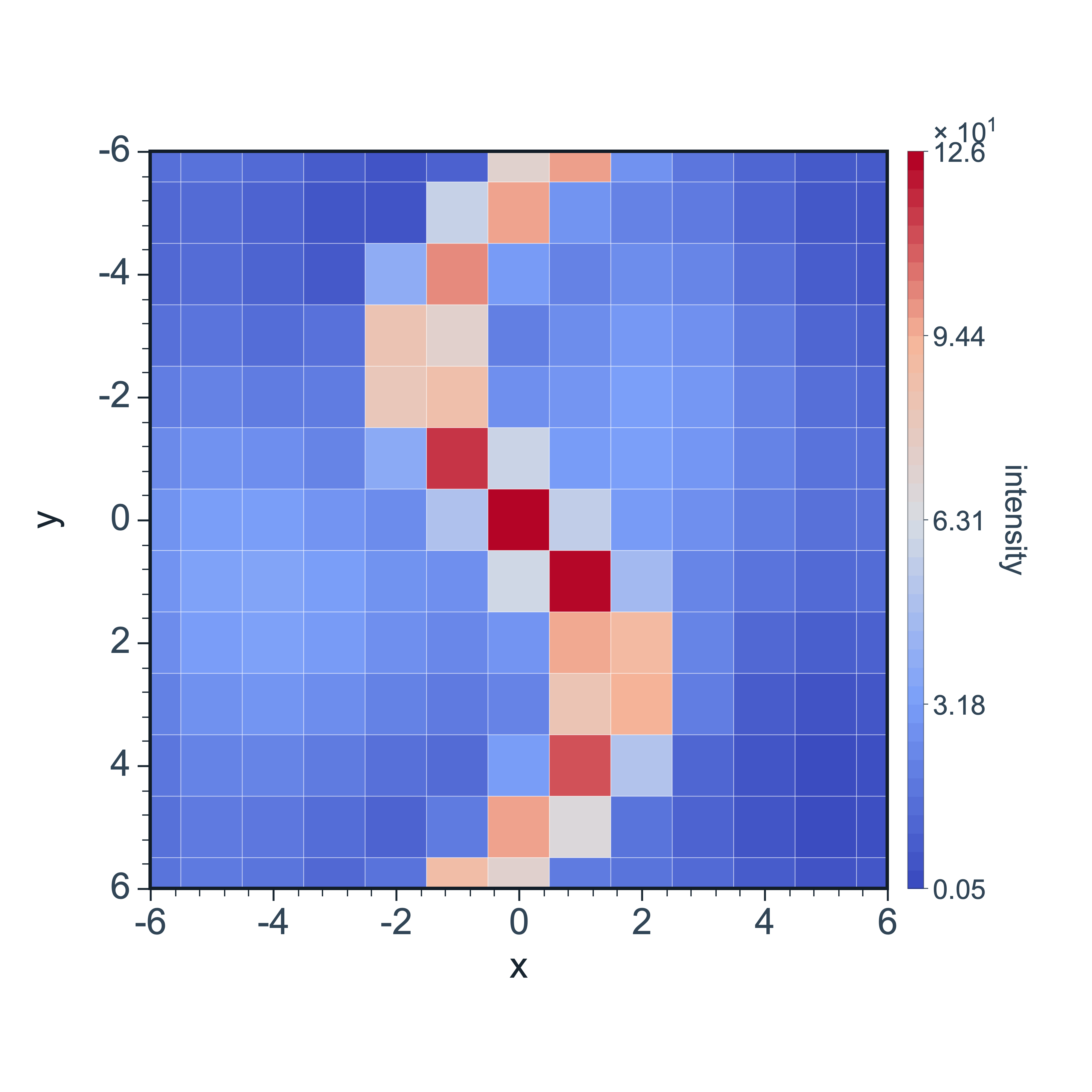
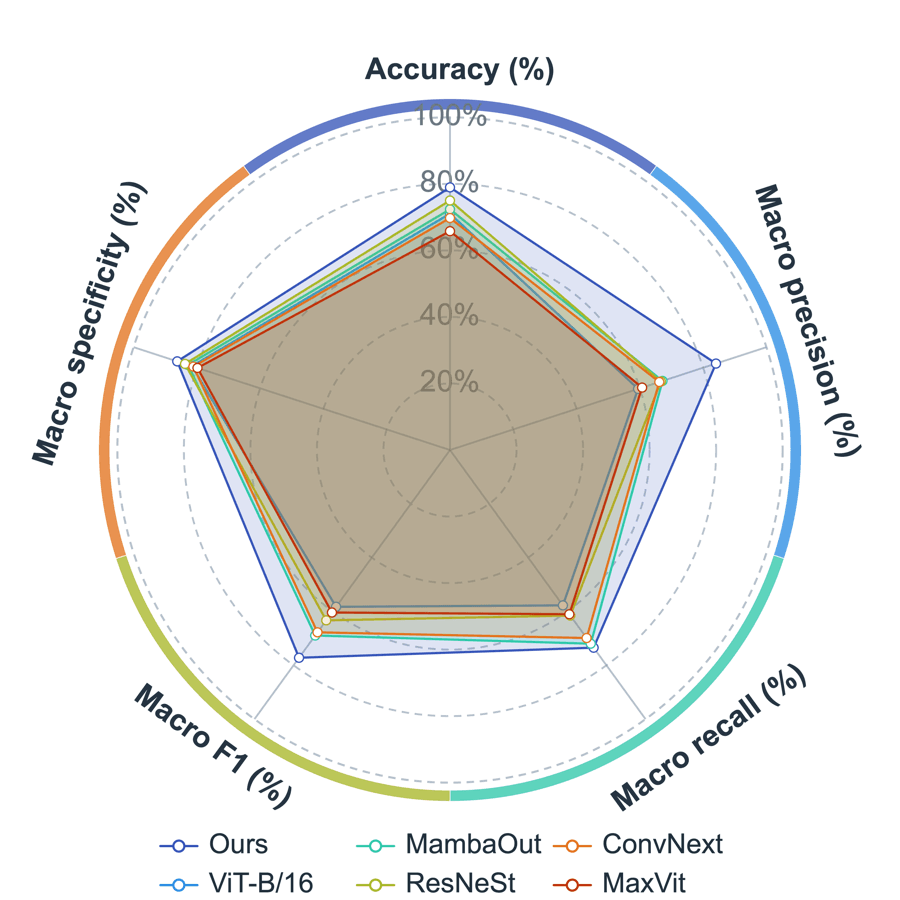
Plot and compose
Two workspaces, each with a clear purpose
Plot workspace
From data columns to an editable scientific figure
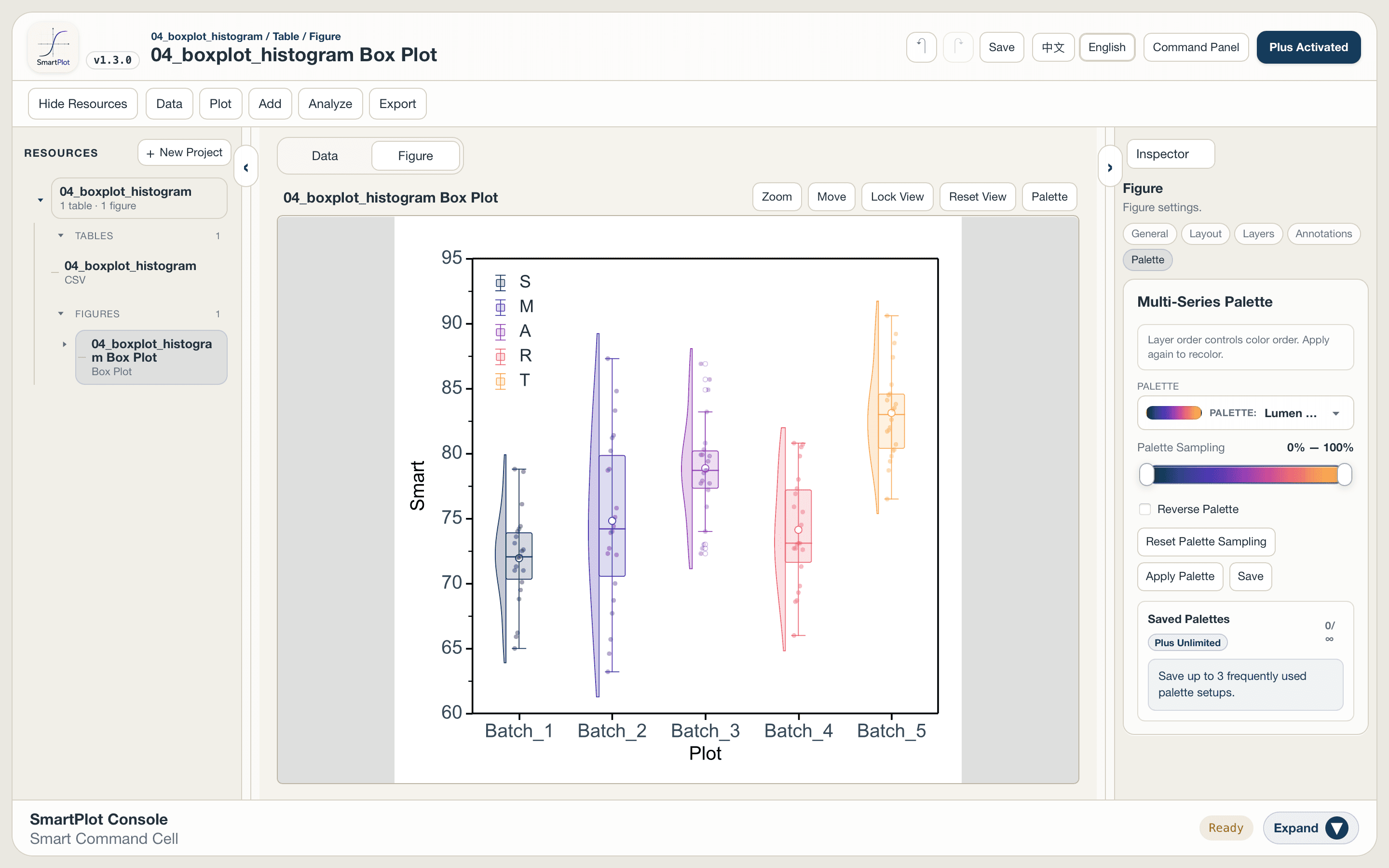
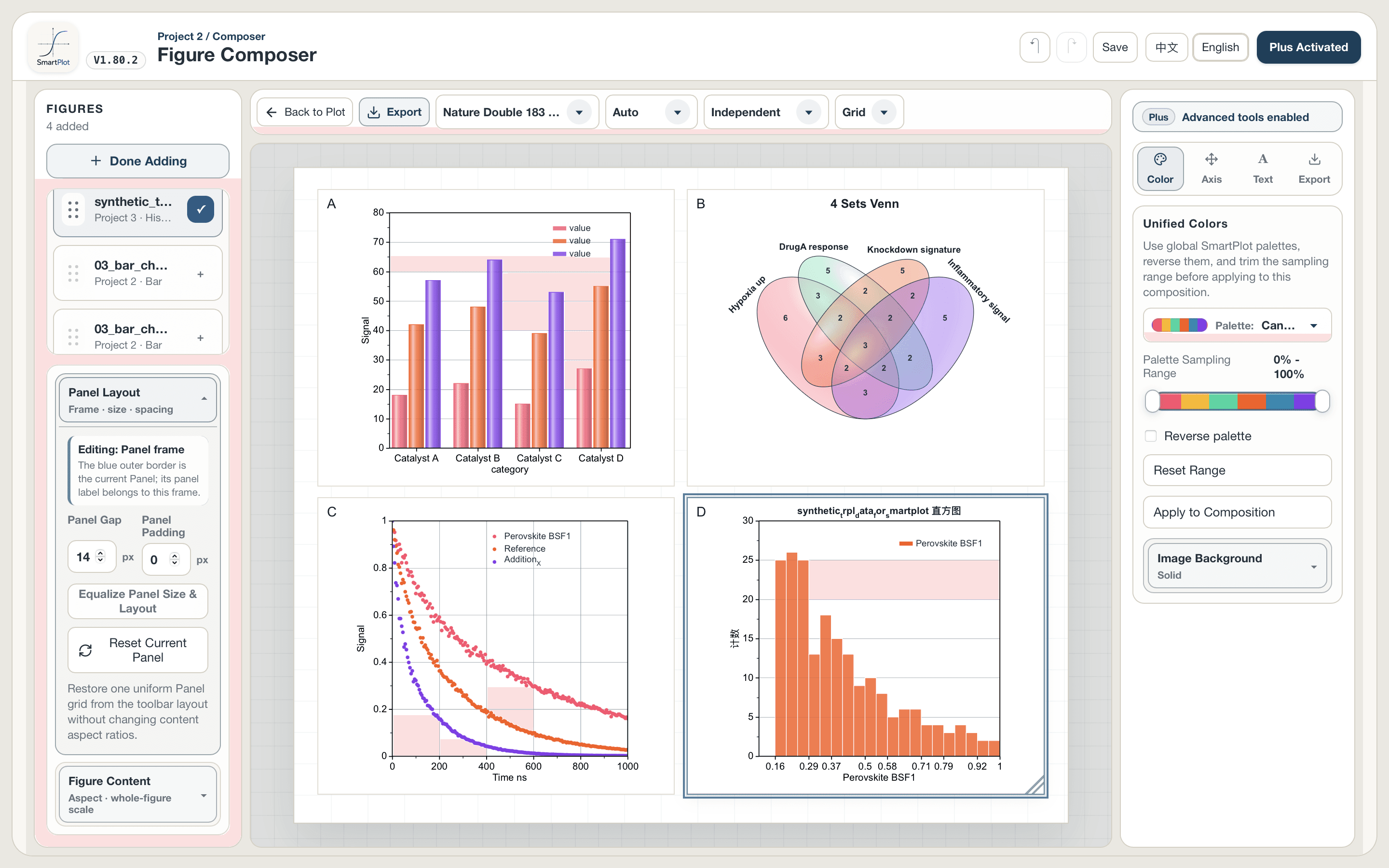
Figure Composer
From individual plots to a complete multi-panel figure
Work directly on your Mac
The right build for your Mac, no virtual machine required
SmartPlot provides signed and Apple-notarized DMGs for Apple Silicon and Intel Macs. Open, drag to Applications, and start working.
Choose a Mac downloadBring in AI when you want it
AI can propose the change, you keep the final say
Compatible AI clients can use MCP to read the active project context and change data, plots, axes, and styles under your permission and approval controls.
Explore MCP controls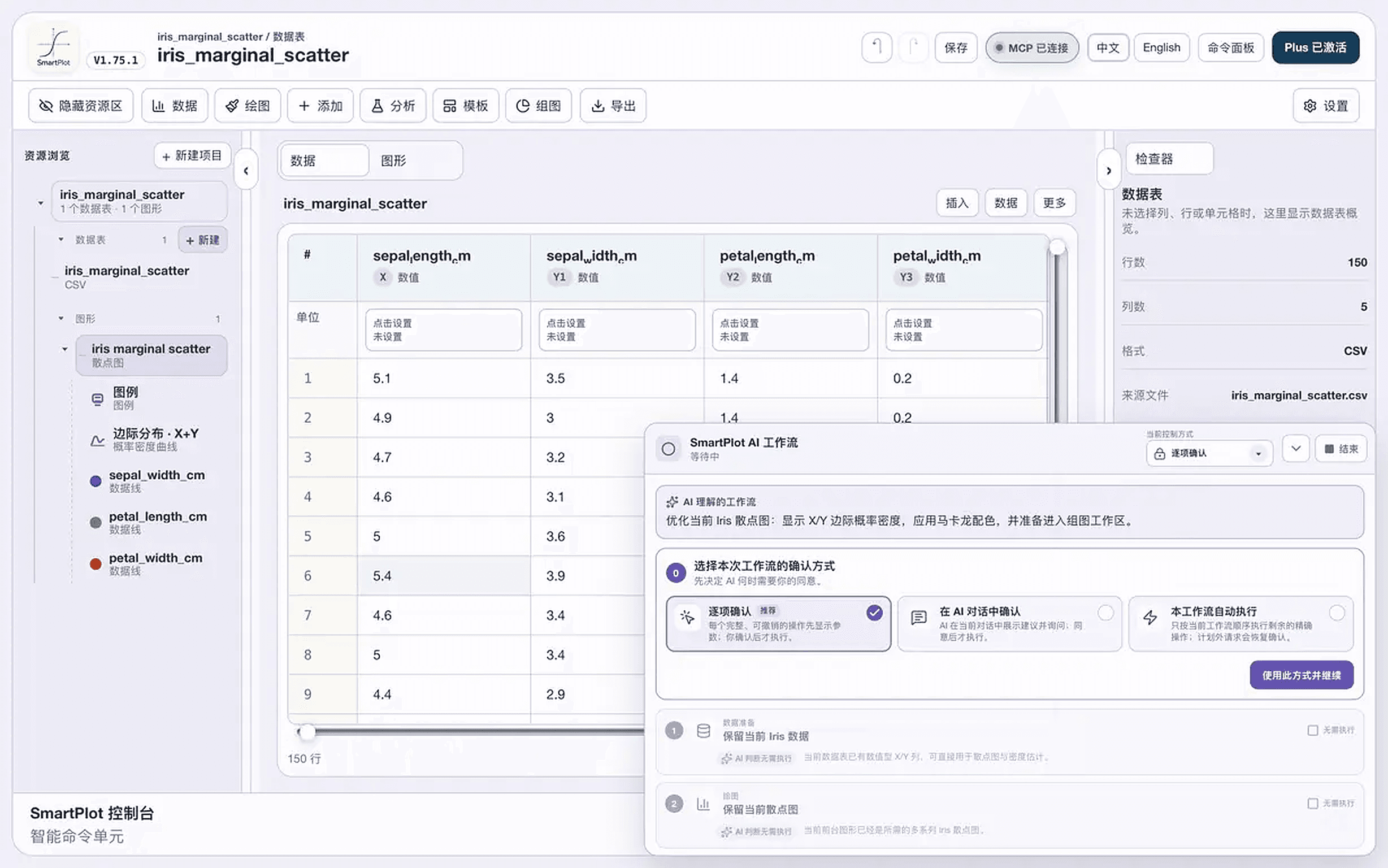
Before you install
Questions, answered
Does SmartPlot run on Apple Silicon Macs?
Yes. The download page provides a dedicated Apple Silicon DMG for M-series Macs and a separate Intel DMG for older Intel-based Macs.
Do I need Python or R to use SmartPlot?
No. Everyday plotting, styling, analysis, composition, and export are available in the desktop GUI.
Can SmartPlot export SVG, PDF, PPTX, and TIFF?
Yes. The current desktop export workflow includes PNG, JPG, TIFF, SVG, PDF, and PPTX options.
Can I perform curve fitting or peak fitting on Mac?
Yes. SmartPlot includes trend-fitting and peak-fitting workflows on macOS, alongside baseline correction, smoothing, integration, derivatives, and distribution fitting.
Is SmartPlot free?
SmartPlot has a Free plan for everyday plotting, data organization, basic analysis, styling, and export. Plus adds expanded styles, templates, saved workflows, and batch-oriented tools.
Is SmartPlot an alternative to OriginPro?
It can be a focused option for everyday scientific plotting, common analysis, styling, publication figures, and a simpler cross-platform workflow. It is not a feature-for-feature replacement.
SmartPlot for Mac
Try it with one real dataset
Create one representative figure, check the analysis and styling controls you use, then validate the export.
Download for Mac