
SMARTPLOT FLOW
Keep flowcharts editable.
Add nodes, connect them, and organize pages without rebuilding the diagram when the research story changes.
Drag from “+” to connect
Select a node, drag toward the target, and release to create an arrow.
Start++++
Process
End
01 Select02 Drag03 Connect
BUILT-IN LITERATURE EXAMPLES
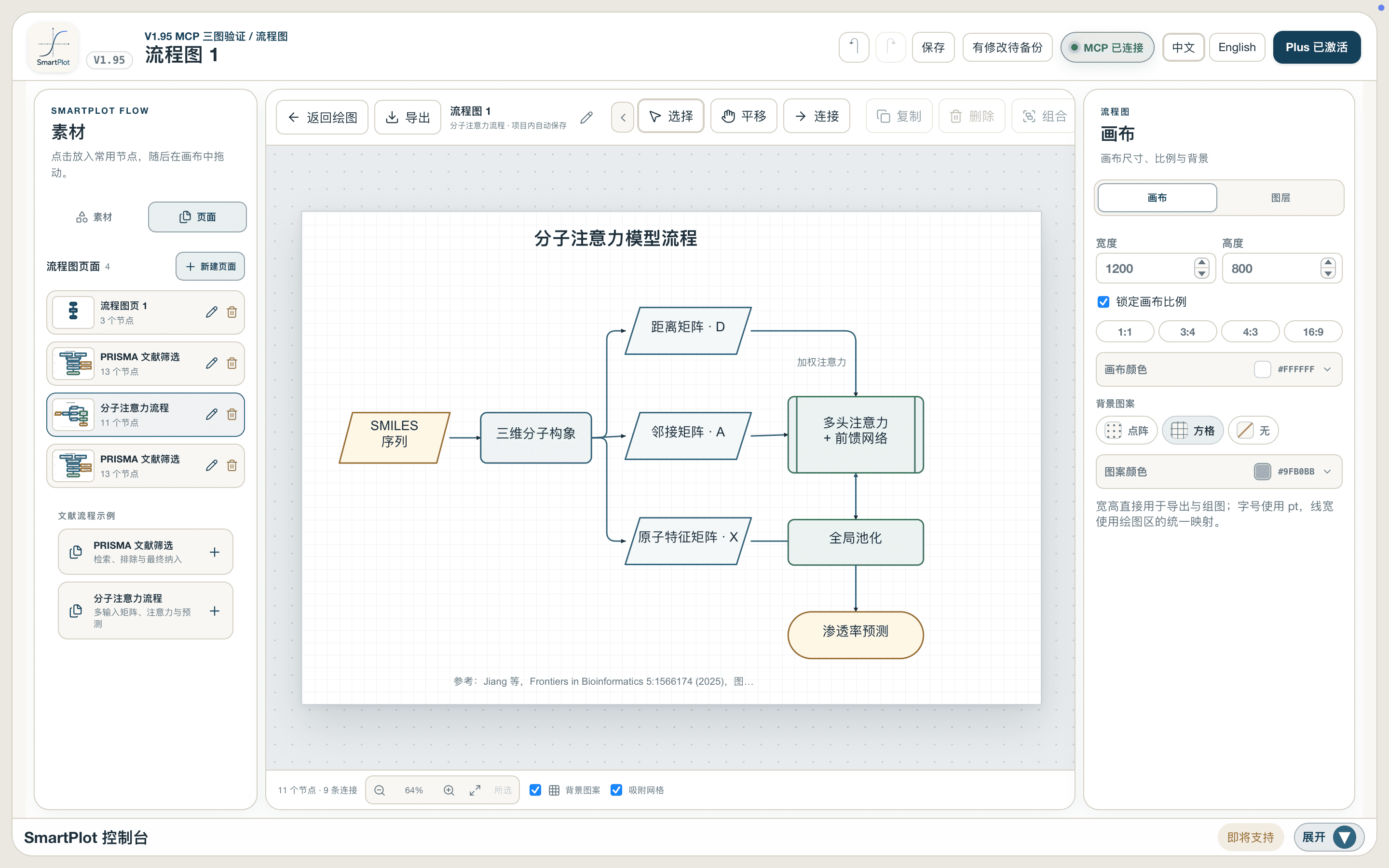
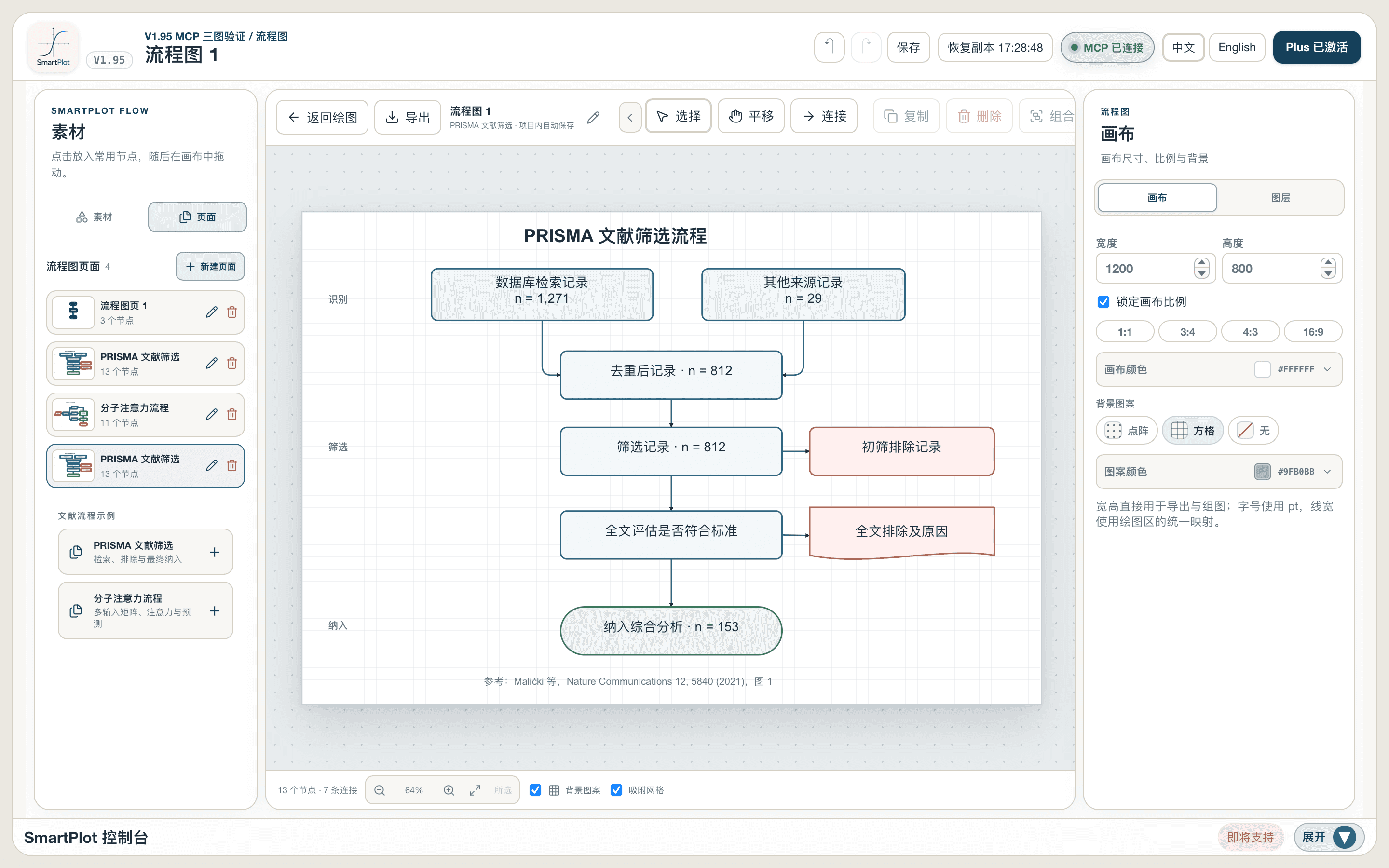
Two real structures, ready to edit.
Add either example from the Pages panel and every shape remains selectable, movable, and reconnectable.
MCP
Describe the structure, then inspect it on the canvas.
- DescribeThe AI client interprets your steps, nodes, and relationships.
- CreateIt submits semantic flowchart structure and positions to SmartPlot.
- Read and refineIt reads the current canvas and iterates on nodes and layout.
Nodes change. Ideas change. The diagram should remain editable.
Download SmartPlot